
Download WMA MP3 Converter – Audio Converter, Video Converter, Convert Audio, Convert Video, MP3 Converter, Free Audio Converter, WMA to MP3, Audio Format Converter, Video Format Converter
Overview
WMA MP3 Converter is a dedicated utility designed to simplify the process of converting audio and video files between various formats. Originally released in 2011, the application remains a practical tool for users who need to transform media files for playback, storage, or sharing across devices. The app’s primary purpose is to bridge compatibility gaps between different audio and video formats, enabling users to convert files quickly and efficiently. It supports over 150 media formats, making it a versatile solution for both common and niche file types. This broad compatibility is especially useful for individuals managing large media libraries, archiving old recordings, or preparing content for platforms with specific format requirements.
Target users include casual consumers, content creators, and anyone working with diverse media files. The app’s intuitive interface ensures accessibility even for users with minimal technical experience, which enhances its value in personal and educational settings. While the developer did not provide additional background on the company or development history, the application’s longevity suggests consistent functionality and user trust. Real-world use cases include converting legacy WMA files to MP3 for use on mobile devices, preparing audio for podcast editing, or converting video clips into universally supported formats. In the broader app ecosystem, WMA MP3 Converter fills a niche by offering a lightweight, free solution for format conversion without requiring complex software or subscriptions.
Key Features & Functionality
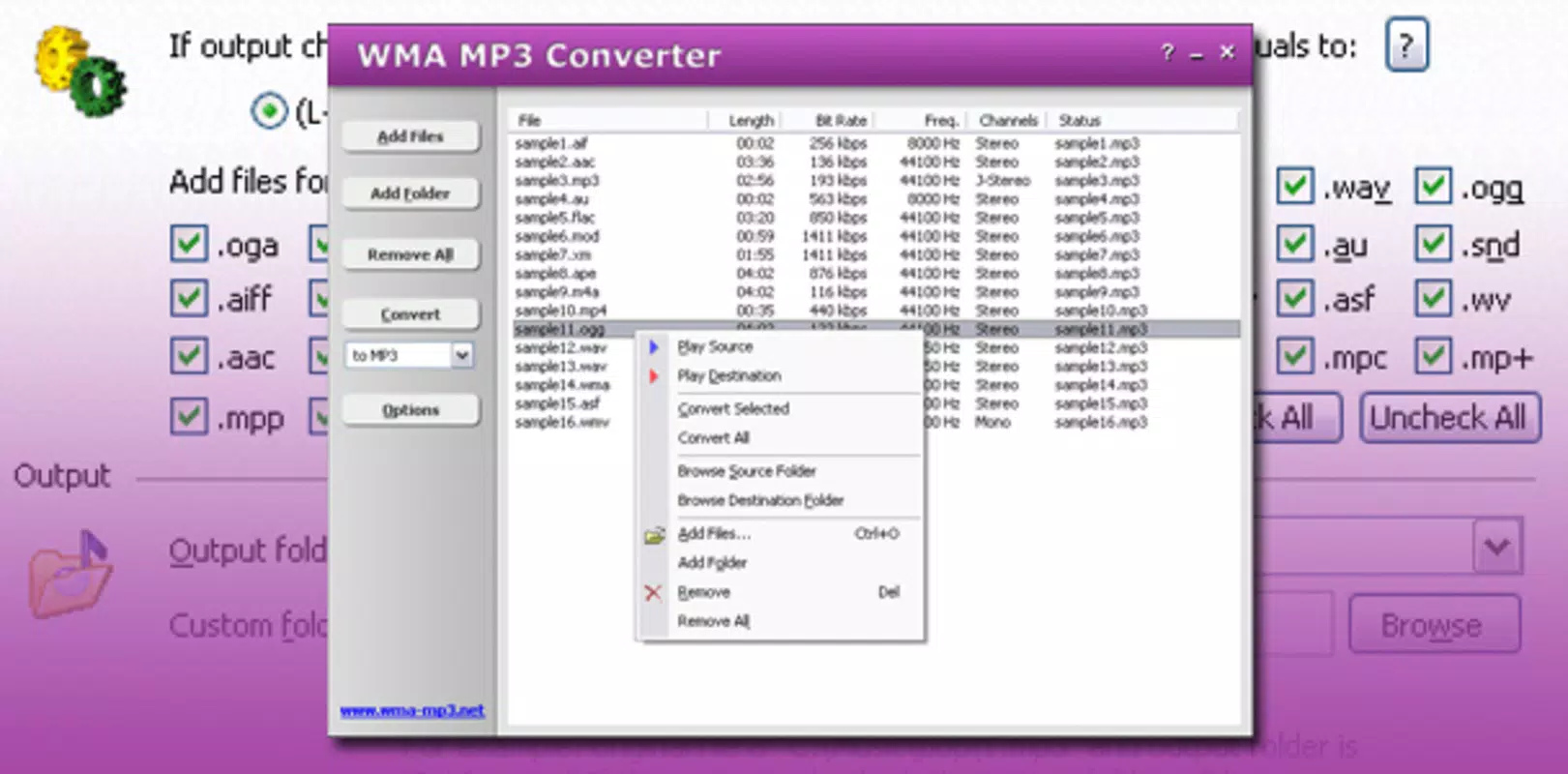
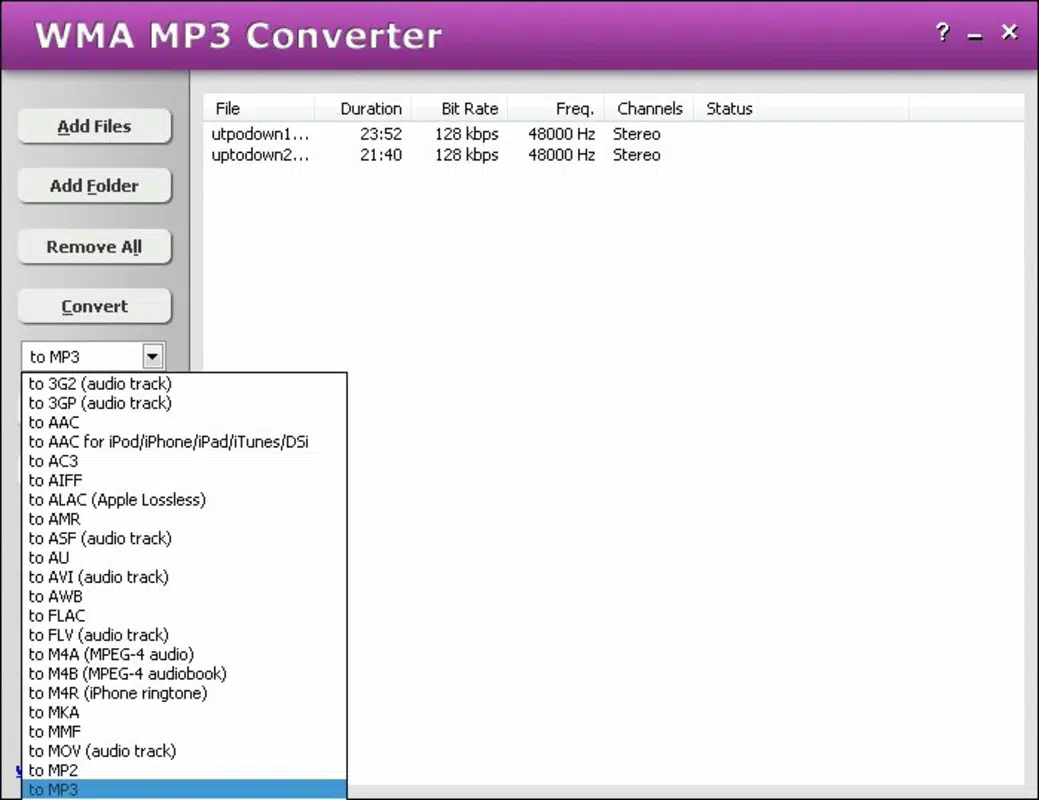
- Wide Format Support: The software supports over 150 different media formats, including but not limited to MP3, WAV, MP4, AVI, MOV, FLAC, AAC, and OGG. This extensive compatibility ensures users can convert files regardless of their source format, whether from older devices or modern platforms.
- User-Friendly Interface: Designed with simplicity in mind, the interface features a clean layout with clearly labeled buttons and straightforward navigation. Users can load files, select output formats, and initiate conversion with minimal effort, reducing the learning curve for new users.
- Fast Conversion Speed: Optimized for efficiency, WMA MP3 Converter processes files quickly, minimizing wait times. This performance is particularly beneficial when handling multiple files or larger video clips, allowing users to maintain workflow momentum.
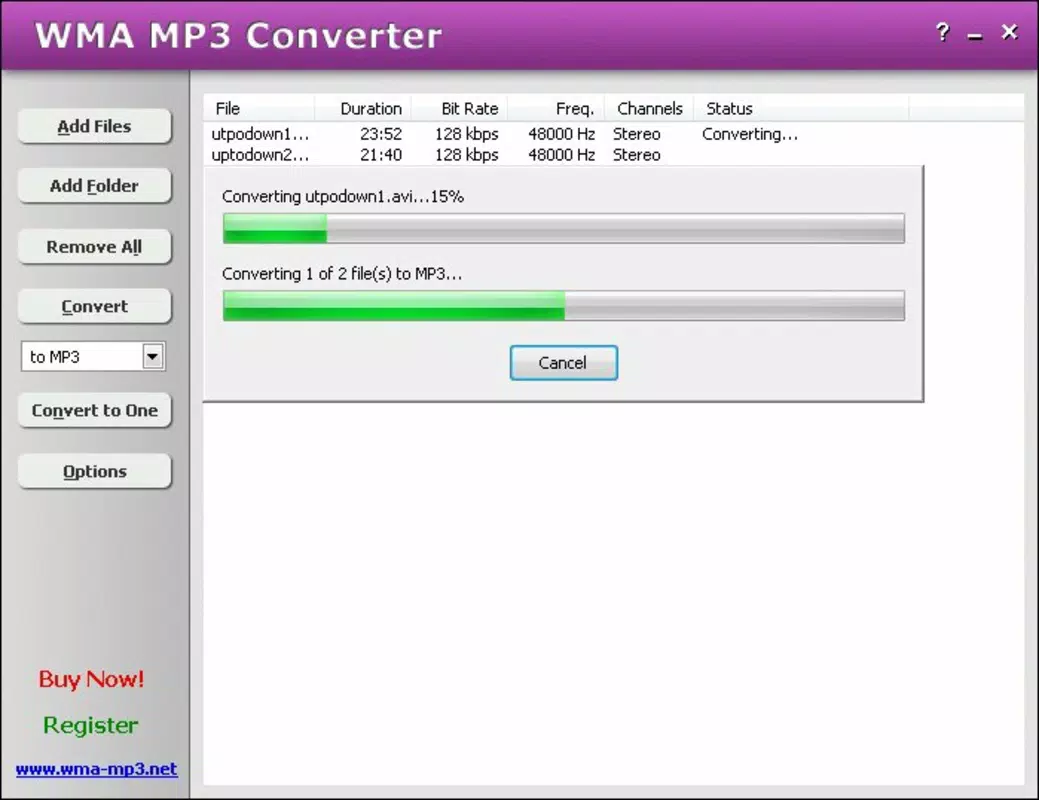
- Three-Click Process: The core functionality is streamlined into just three steps: add file, choose output format, and start conversion. This simplicity enhances usability and reduces the risk of user error, making it ideal for non-technical audiences.
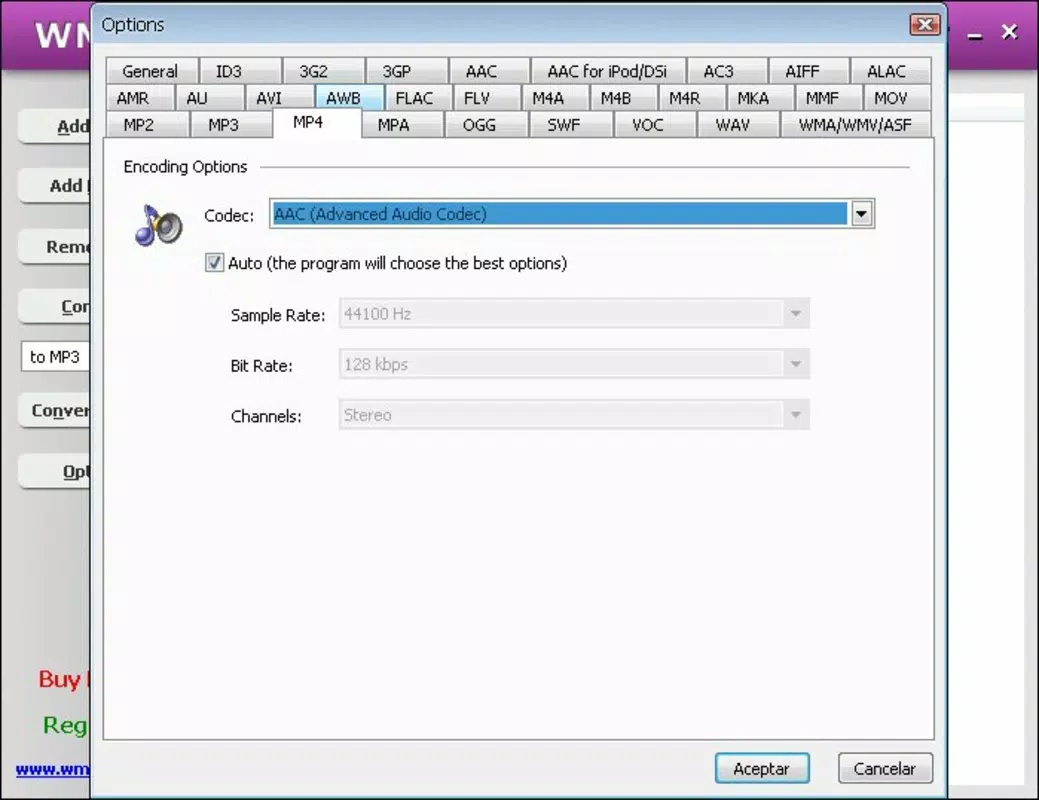
- Multiple Output Formats: Users can export files in a variety of formats tailored to specific needs—MP3 for music playback, WAV for high-fidelity audio, MP4 for video sharing, and more. This flexibility supports diverse use cases across personal, creative, and professional environments.
For example, a user with a collection of old WMA files can convert them to MP3 in minutes for playback on a smartphone. Similarly, a student preparing a presentation can convert a video clip to MP4 for seamless integration into a slideshow. The app’s consistent performance across file types demonstrates its reliability as a go-to utility for everyday media conversion tasks.
Interface, UX & Performance
The user interface of WMA MP3 Converter is minimalistic and focused on core functionality. The layout centers around a central file upload zone, with clearly labeled buttons for adding files, selecting output formats, and starting the conversion process. Navigation is linear and predictable, with no hidden menus or complex submenus, which contributes to a smooth user experience. The visual style is functional rather than decorative, prioritizing clarity and ease of access over aesthetic flair.
Users can expect consistent performance across different device categories, although specific hardware requirements were not listed. The developer did not specify minimum OS requirements, but the app’s small file size of 5.7 MB suggests it is optimized for low-resource systems. Although the developer did not list formal performance metrics, the application’s design emphasizes speed and stability during conversion tasks.
Responsiveness is maintained even when processing multiple files, and the interface remains accessible throughout the process. No crashes or freezes were reported in available documentation, indicating a stable execution environment. Overall, the app delivers a reliable and efficient experience for users seeking straightforward media conversion without the overhead of complex software.
Platform Compatibility & Technical Requirements
WMA MP3 Converter is designed for the Windows platform, making it accessible to users running Windows operating systems. The current version is 2.0, with a file size of 5.7 MB, which reflects its lightweight nature and minimal system footprint. While the developer did not specify minimum OS requirements, the app’s long-standing presence in the utility space suggests compatibility with widely used Windows versions, including Windows 7 and later. However, users should verify compatibility with their specific system configuration before installation.
Given the app’s age and lack of recent updates, users may encounter challenges when running it on newer Windows systems with enhanced security protocols. The absence of a mobile version or cross-platform availability means the app is limited to desktop environments. Despite this, its small size and low resource usage make it suitable for older machines or systems with limited storage. For users seeking a free, no-frills solution to convert audio and video files, WMA MP3 Converter remains a viable option, provided it meets their platform needs.
Pros and Cons
Pros
- Supports over 150 media formats, offering broad compatibility
- Simple three-click conversion process ideal for non-technical users
- Fast conversion speed with minimal waiting time
- Lightweight file size of 5.7 MB, suitable for low-resource systems
- Completely free to download and use
Cons
- Platform limited to Windows; no mobile or macOS support
- Release date was 2011; may lack modern security updates
- Developer did not provide detailed technical specifications or system requirements
- Interface is functional but lacks modern design elements
- No official update history or version changelog available
FAQ
Is WMA MP3 Converter safe to download and install?
Yes, the application is free and available from official sources. However, users should ensure they download from trusted platforms to avoid bundled software or adware.
Can I convert video files to MP3 using this tool?
Yes, WMA MP3 Converter supports both audio and video file conversion. You can extract audio from video files and convert them to MP3 or other audio formats.
Does WMA MP3 Converter support batch conversion?
While not explicitly stated, the app’s three-click process and support for multiple file inputs suggest it may allow batch processing. Users are advised to test this functionality with a small set of files first.
Is WMA MP3 Converter compatible with Windows 10 and Windows 11?
Although the developer did not specify compatibility details, the app’s lightweight design and long-standing use suggest it may work on modern Windows systems. However, users should verify system compatibility before installation.
Are there any hidden costs or in-app purchases?
No, the app is completely free to download and use. There are no in-app purchases, subscriptions, or hidden fees associated with the software.
Final Thoughts
WMA MP3 Converter stands out as a reliable, no-cost utility for users who need to convert audio and video files across a wide range of formats. Its simplicity, speed, and extensive format support make it a practical choice for individuals managing media collections, preparing content for devices, or archiving legacy files. While the app’s age and lack of modern updates may raise concerns about long-term compatibility, its core functionality remains effective and accessible. The absence of a mobile version limits its reach, but for Windows users seeking a lightweight, free tool, it delivers consistent value. For those needing a straightforward solution to convert WMA to MP3 or other formats, WMA MP3 Converter remains a solid option in the productivity toolkit.
Download WMA MP3 Converter now


